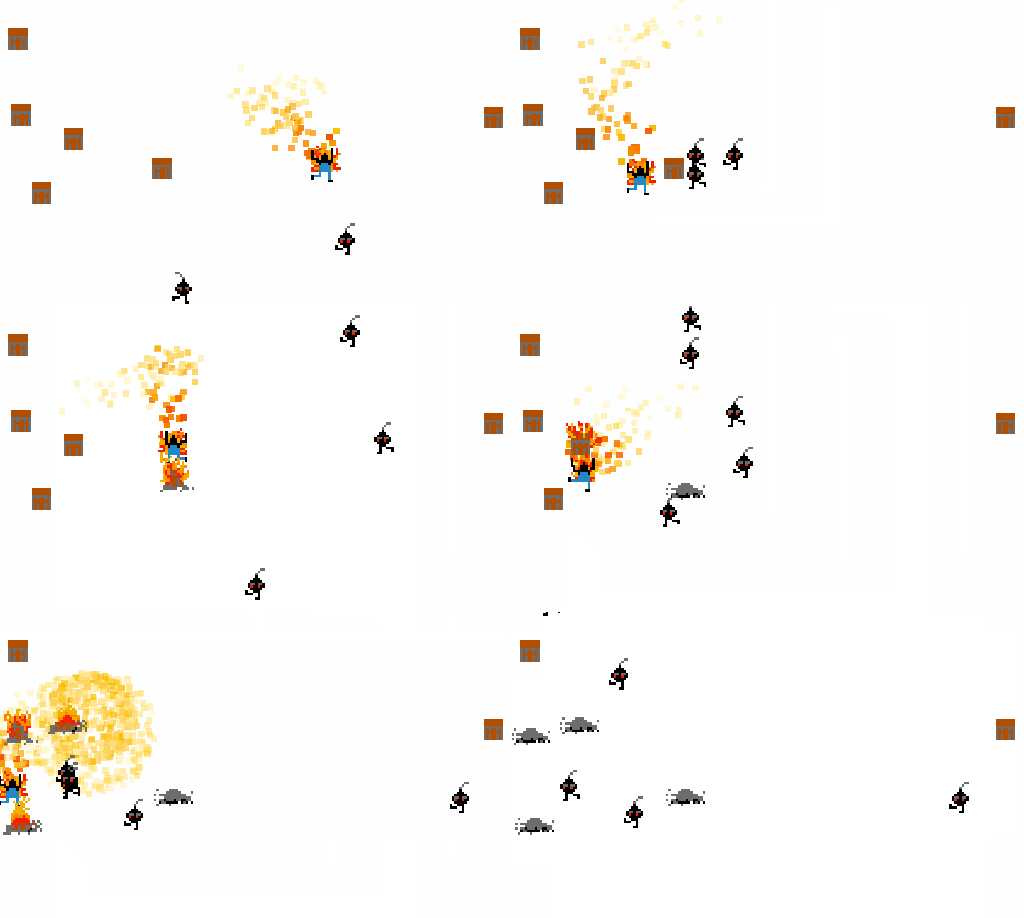
In preparation for the next Ludum Dare, I’ve playing around with Unity for the past few months and there’s something I’d like to share with other aspiring game developers.
My previous Ludum Dare games where created in Flash, and while I was somewhat happy with my coding effort, the games didn’t have any audio. I decided to make things different next time, and have some simple audio feedback on whatever I built.
To get myself acclimated with the language, I decided to port Thomas Vian’s as3sfxr to Unity. What’s as3sfxr, you ask?
This short video from Flash on the Beach 2010 has a great explanation. In a nutshell, however, sfxr is an engine for dynamic generation of game-like audio effects. Thomas ported Tomas Pettersson’s original sfxr to ActionScript, creating a nice API for dynamic audio generation. This API was the basis for usfxr – and really, much of the code in usfxr is a direct translation of as3sfxr, albeit in a more C#-friendly, Unity-happy way.
In practice, what does usfxr do, though? It allows you to publish a game with no static audio assets (all effects are defined by a parameter string), and to generate small variations of the same audio in real time, thus making the audio playback a bit more colorful.
Code for a normal audio effect looks like this:
SfxrSynth synth = new SfxrSynth();
synth.parameters.SetSettingsString("0,,0.032,0.4138,0.4365,0.834,,,,,,0.3117,0.6925,,,,,,1,,,,,0.5");
synth.Play();
While “mutated” versions of the audio can be played like so:
synth.PlayMutated();
The library is a pure code port, with no GUI whatsoever (you can generate audio strings in as3sfxr‘s GUI, copy it, come back to your C# code, and paste the string). Other than that, the biggest difference is that audio data is (almost) always generated on a separate thread, so the need for pre-emptive caching is diminished.
I have an example of usfxr in action in a (terrible-looking) Shmup example (requires Unity web player):
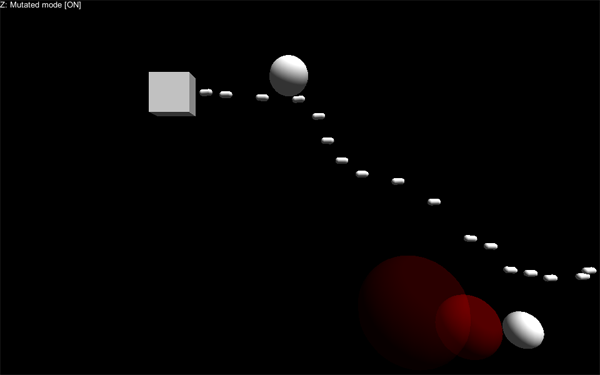
The full code is available on GitHub. I’ll probably fix a few more things – mainly write proper documentation, add a different sample, and maybe make it faster – but overall it’s working. And obviously, I’ll be using it on Ludum Dare this weekend.
Some input would be welcomed, of course – I’m not a experienced Unity developer.
This post is a shortened version of something I’ve originally published on my own website.