The Mantle by NacelleGames

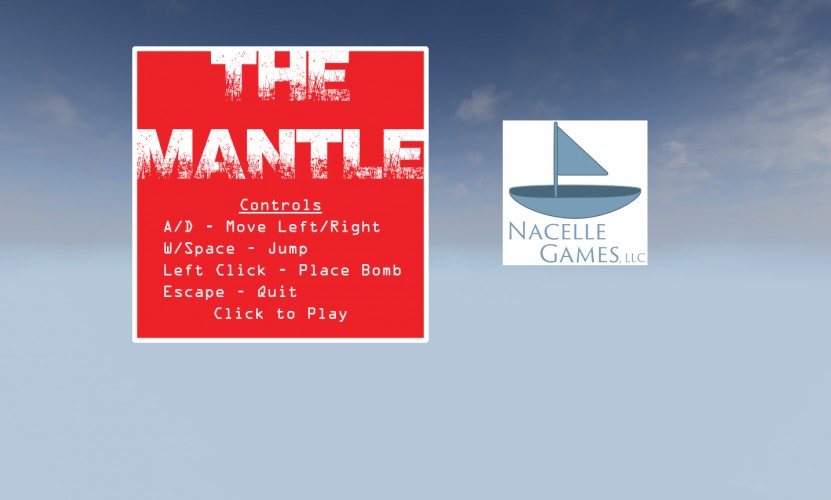
This is the Ludum Dare 29 Jam Entry for Nacelle Games, LLC (find us online at http://nacellegames.com).
This game was created in Unreal Engine 4. After downloading the Windows version, please unzip the file to your computer, and then find the game's executable by following this path:
\TheMantle_NacelleGamesLLC\TheMantle\Binaries\Win32\TheMantle.exe .
NOTE: For the Windows version, the following packages are required to be installed on your computer for The Mantle to run (you may already have these, but it's a good idea to try to install them. If you have it already, it will tell you):
-- Visual C++ Redistributable Packages for Visual Studio 2013 (download the x86 version) - http://www.microsoft.com/en-gb/download/details.aspx?id=40784
-- DirectX End-User Runtime - http://www.microsoft.com/en-us/download/details.aspx?id=35
The game will run best on mid to high-end PCs.
This game was created in Unreal Engine 4. After downloading the Windows version, please unzip the file to your computer, and then find the game's executable by following this path:
\TheMantle_NacelleGamesLLC\TheMantle\Binaries\Win32\TheMantle.exe .
NOTE: For the Windows version, the following packages are required to be installed on your computer for The Mantle to run (you may already have these, but it's a good idea to try to install them. If you have it already, it will tell you):
-- Visual C++ Redistributable Packages for Visual Studio 2013 (download the x86 version) - http://www.microsoft.com/en-gb/download/details.aspx?id=40784
-- DirectX End-User Runtime - http://www.microsoft.com/en-us/download/details.aspx?id=35
The game will run best on mid to high-end PCs.
| Windows | https://dl.dropboxusercontent.com/s/zq63eewl2gu66bp/TheMantle_NacelleGamesLLC.zip?dl=1 |
| Original URL | https://ludumdare.com/compo/ludum-dare-29/?action=preview&uid=36510 |
what to do ?
I remember another person having Unreal Engine 4 issues and that seemed to fix it for them. Unless you've already got Visual Studio 2013 installed...
If you are getting an error that says you are missing the MSVCR120.dll file, you can run the Windows System File Checker by following these instructions: http://support.microsoft.com/kb/929833
We are going to be porting the game to HTML5 within the next few days as well.
-- Visual C++ Redistributable Packages for Visual Studio 2013 (download the x86 version) - http://www.microsoft.com/en-gb/download/details.aspx?id=40784
-- DirectX End-User Runtime - http://www.microsoft.com/en-us/download/details.aspx?id=35
Sorry for the confusion. (Note: this is for the Windows version only)